
When the IPTV EPG is not working, live channels may still play while program names, times or descriptions remain empty. EPG is separate schedule data—often XMLTV—and it can fail because of device time, guide mapping, a stale cache, an incorrect URL or a temporary source issue.
Quick answer
Fix IPTV EPG not working problems by checking automatic date and time, refreshing the playlist, refreshing EPG separately, confirming the XMLTV address, clearing only the guide cache and waiting for import to finish. Do not clear all player data until credentials are backed up.
Understand why IPTV EPG is not working
An electronic program guide connects channel identifiers with schedule records. XMLTV files commonly contain channel records and programme records. A stream can play normally even when its guide identifier has no matching schedule.
Identify the pattern: all channels missing, one category missing, old data, or correct programs at the wrong time. Each pattern points to a different fix.
IPTV EPG Not Working: Refresh Playlist and Guide
Use the player option to update the playlist, then run the EPG update. Wait until both processes finish. Closing the player during import can leave a partial guide.
Restart the player after the refresh and test several channels. If only new channels lack data, the playlist may have changed faster than the guide mapping.
IPTV EPG Not Working: Correct Device Time
Set date, time and time zone to automatic. A wrong zone can shift every program by the same amount and make a healthy guide appear inaccurate.
For Toronto, Montreal and Ottawa, the device normally follows Eastern time; Vancouver follows Pacific time; Calgary and Edmonton follow Mountain time; Winnipeg follows Central; Halifax follows Atlantic. Let the device determine daylight-saving changes.
IPTV EPG Not Working: Verify XMLTV Mapping
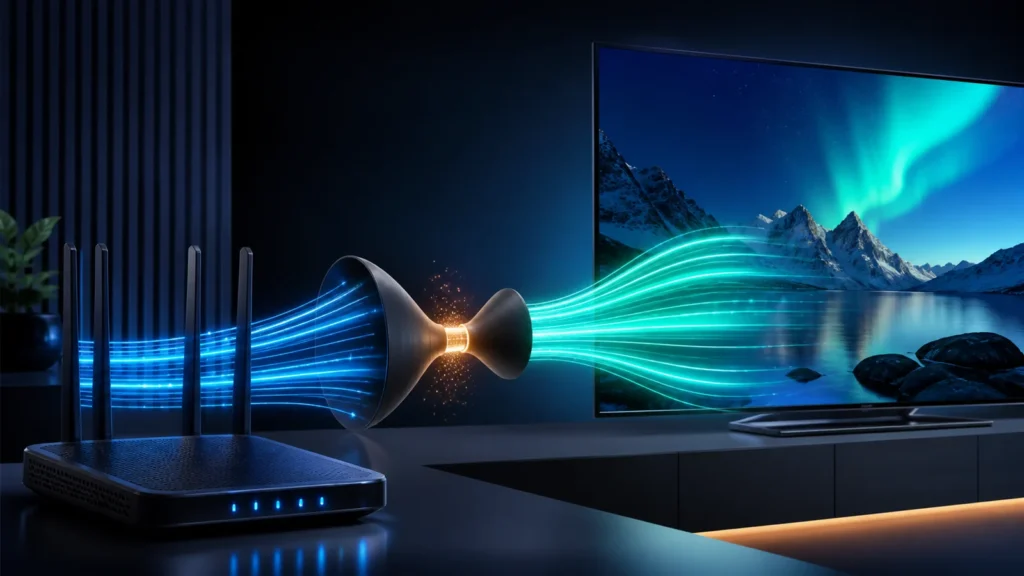
When the player requires a separate EPG URL, confirm the complete address and keep it private if it contains credentials. XMLTV uses channel identifiers to associate programme records with channels.
Some players allow manual channel-to-EPG assignment. Use it only for a small number of unmapped channels because broad mapping problems belong at the playlist or guide source.
IPTV EPG Not Working: Clear Guide Cache Safely
Use Clear EPG or guide cache before Clear Data. Clearing app data can remove playlists, favourites and settings. Back up the player first when supported.
After clearing EPG, run one clean update and leave the player open. Large guides can take several minutes on devices with slower storage.
Escalate an IPTV EPG not working issue
If the guide is missing on every device with the same subscription, contact support with the player, city time zone, affected categories and the last successful update time. Do not send public credentials.
If the problem affects only one device, update or reinstall the player after saving its configuration. Compare another compatible player to isolate a device-specific parser issue, or follow the IPTV Smarters setup checks on a supported screen.
Practical checklist
- Use automatic date, time and zone.
- Refresh playlist before EPG.
- Wait for the import to complete.
- Clear guide cache before app data.
- Report whether the problem affects one or every device.
Frequently asked questions
Why do channels play when the EPG is empty?
The video stream and schedule data are separate. Playback can work even when guide data is unavailable or unmapped.
Why is my IPTV EPG off by several hours?
The device time zone or a manual EPG shift is likely incorrect. Set automatic time first.
Should I clear app data to fix EPG?
Clear EPG or cache first. Clearing app data can erase credentials and player configuration.
How long should an EPG update take?
It depends on guide size, device performance and network speed. Allow several minutes before assuming it failed.
Ready for the next step?
Document the exact IPTV EPG not working pattern before contacting support so the correct guide or device layer can be checked.
nn
n