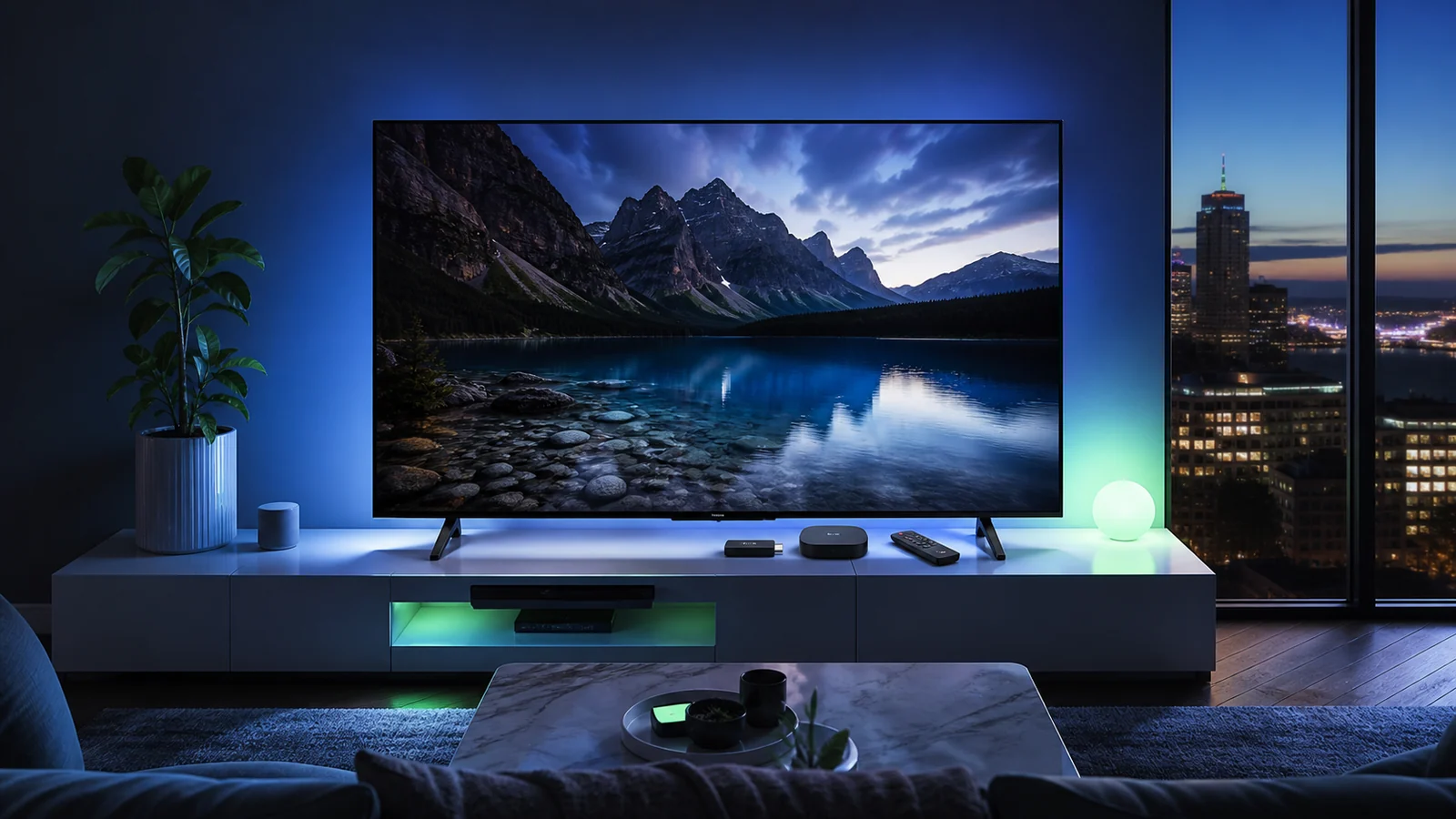
The best IPTV devices in Canada are the ones that match your television, home network and comfort level. A fast streaming box can make navigation feel smoother, but an easy-to-use interface may matter more in a busy household.
Quick answer
Fire TV is a practical choice for a simple living-room setup. Android TV or Google TV offers flexibility and a broad app selection. Apple TV suits households already using Apple devices. A compatible Smart TV app avoids extra hardware, while Formuler and BuzzTV appeal to viewers who want a more dedicated IPTV experience.
What makes a device good for IPTV?
A device does more than open an IPTV player. It also controls how quickly menus load, how reliably the app remains in memory, which video formats are supported and how easy the remote is to use. Before choosing hardware, consider these five factors:
- App compatibility: confirm that your preferred IPTV player is available for the operating system.
- Network connection: look for strong dual-band Wi-Fi or Ethernet support when possible.
- Performance: enough memory and storage help the guide, categories and artwork load smoothly.
- Video capability: your device and television must both support the resolution you want to watch.
- Ease of use: the best specification sheet is not useful if the household finds the interface confusing.
IPTV device comparison for Canadian households
| Device type | Best for | Main advantage | Consider first |
|---|---|---|---|
| Fire TV | Simple setup | Affordable and familiar | Available storage |
| Android TV / Google TV | Flexibility | Wide app choice | Hardware quality varies |
| Compatible Smart TV | Minimal hardware | No extra box or remote | App availability varies |
| Apple TV | Apple households | Polished performance | Higher device cost |
| Formuler | Dedicated IPTV viewing | Purpose-built interface | Learning its portal options |
| BuzzTV | Advanced living rooms | IPTV-focused controls | Choose the right model |
| Windows or Mac | Desk and travel viewing | Keyboard and larger storage | Not as convenient on a sofa |
1. Fire TV: the easiest starting point for many viewers
Fire TV devices are popular because they connect to an HDMI port, use a compact remote and support a range of compatible IPTV players. They are especially convenient when a Smart TV does not offer the app you want.
Choose a model with enough storage for the apps you actually use. Keep unused apps to a minimum and clear the IPTV player cache occasionally. If your router is far from the television, consider an Ethernet adapter or improve Wi-Fi coverage before blaming the streaming device.
Our IPTV installation guide includes a focused Fire TV walkthrough with the current V12Mate Downloader code.
2. Android TV and Google TV: the flexible choice
Android TV and Google TV work well for viewers who want more freedom to choose a player. The Play Store makes installation straightforward, and many televisions already include one of these platforms.
Hardware quality varies widely. A reputable device with regular system updates, strong Wi-Fi and enough memory usually provides a better long-term experience than the cheapest generic box. Avoid installing unnecessary utilities that run in the background.
3. Smart TV apps: clean and convenient
A compatible app installed directly on a Samsung, LG, Hisense or another Smart TV keeps the entertainment area clean. There is no extra power cable and the television remote may control everything.
The trade-off is that television app stores differ by model, region and year. An app available on one television may be missing from another. Older TVs can also feel slower when loading large guides. Check availability on the exact television before selecting this route.
4. Apple TV: polished performance for Apple users
Apple TV is a strong fit for homes already using iPhone, iPad or other Apple services. The interface is responsive, system updates are clear and compatible IPTV players can be installed through the App Store.
It costs more than many streaming sticks, so it makes the most sense when the household will use its broader features. Confirm that your preferred player supports the login method supplied with your subscription.
5. Formuler and BuzzTV: dedicated IPTV interfaces
Formuler and BuzzTV devices are designed with live television navigation in mind. Their remotes, guides and server-management tools can feel closer to a traditional television receiver.
These boxes are useful for viewers who prioritize live TV and want more control over categories and guide behaviour. They can require a little more setup knowledge, so keep your server URL, username and password nearby and select the login type that matches the details you received.
Which device is best for your situation?
- For the simplest upgrade: choose Fire TV.
- For the widest player choice: consider Android TV or Google TV.
- For no additional hardware: first check your Smart TV app store.
- For an Apple-focused household: Apple TV offers a familiar ecosystem.
- For a dedicated live-TV interface: compare Formuler and BuzzTV.
- For occasional personal viewing: a computer, tablet or phone may already be enough.
Do not overlook your internet connection
Even the best IPTV device cannot correct an unstable home network. Place the router in an open position, prefer 5 GHz Wi-Fi at short range and use Ethernet where practical. For one high-definition stream, a stable connection matters more than a large advertised speed that fluctuates.
If playback pauses or freezes, use our guide to fix IPTV buffering after that article is published.
Frequently asked questions
Do I need a separate box for IPTV?
No. A compatible Smart TV, phone, tablet or computer may run an IPTV player directly. A streaming box is helpful when the television app store is limited or slow.
Is Ethernet better than Wi-Fi for IPTV?
Ethernet is usually more consistent because it avoids wireless interference. Strong 5 GHz Wi-Fi can still work very well when the router is nearby.
Can one subscription be installed on several devices?
You may install a compatible player on several devices, but simultaneous streaming depends on how many connections are included in the plan.
Does a 4K device make every channel 4K?
No. The device, television, source stream and network must all support the resolution. A 4K-capable device does not convert every source into native 4K.
Ready to choose a plan?
Compare IPTVIY options by duration and simultaneous device connections, then use the installation guide for your chosen screen.