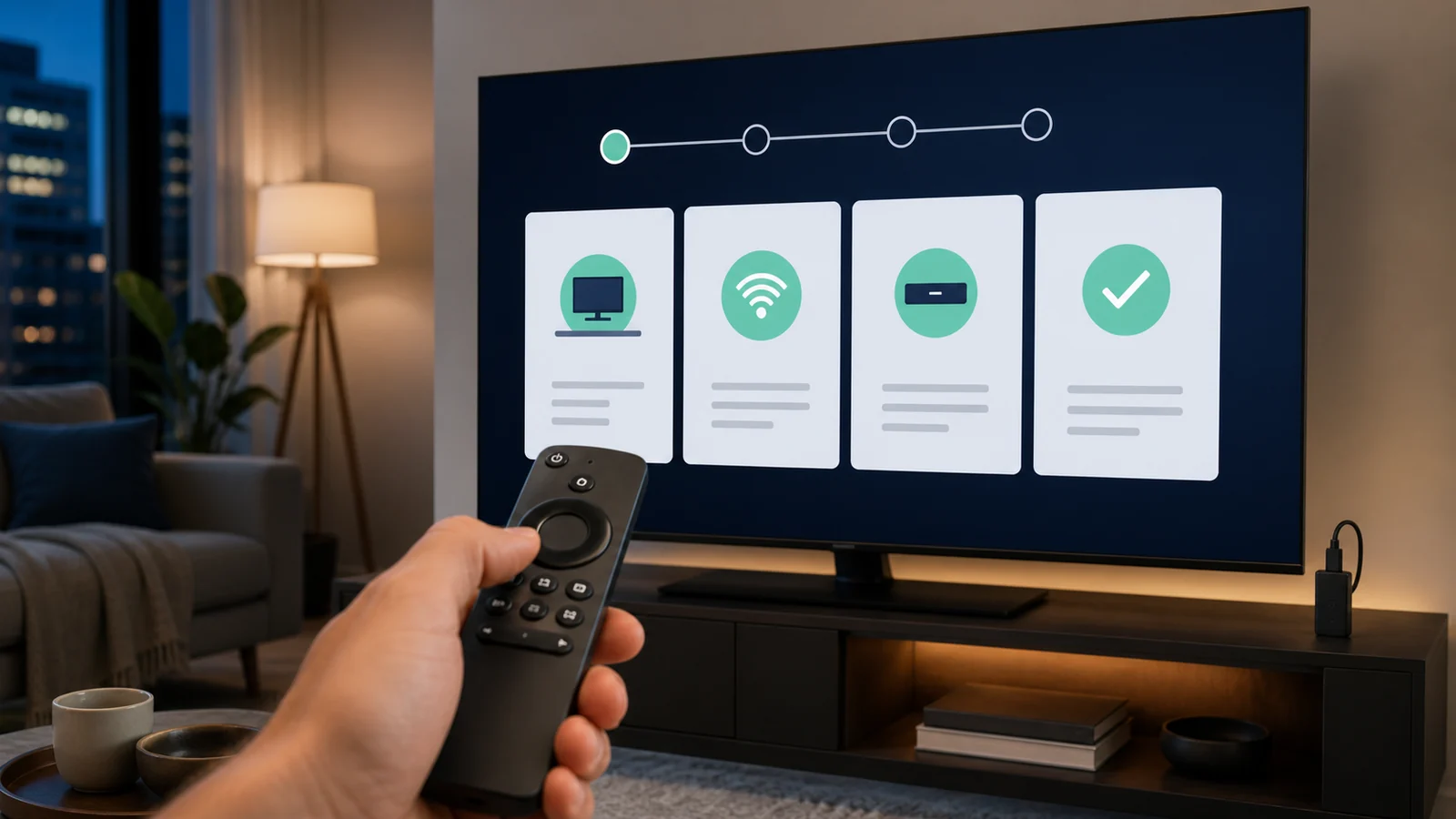
IPTV on Android TV is one of the most flexible living-room setups because compatible players are available through Google Play and the interface works with a television remote. The same general process applies to many Sony, TCL, Hisense, Nvidia Shield and Google TV devices sold in Canada.
Quick answer
To install IPTV on Android TV, connect the device, open Google Play, install a compatible player, choose M3U or Xtream Codes, enter the supplied details and wait for the playlist and EPG to finish loading. Use the app store first and avoid random APK files when a verified store version is available.
Prepare IPTV on Android TV
Update Android TV or Google TV, confirm the device date and time, and remove unused apps if storage is nearly full. Keep the activation email open on a phone so the server address, username and password can be checked without displaying them publicly.
For a main television, Ethernet is the most consistent option. Strong nearby 5 GHz Wi-Fi can also work, but test the device itself rather than relying on a speed result from a phone near the router.
- Android TV or Google TV device
- Compatible player from Google Play
- Subscription credentials
- Stable home connection
Install a player from Google Play
From the Home screen, open Apps or the Google Play Store. Search for the exact player name, review the publisher and select Install. Google’s official instructions also allow searching through the Assistant or the Apps tab.
After installation, place the player near the beginning of the Your Apps row. Do not assume a similarly named app is the same publisher, and review any in-app purchase before enabling premium features.
Add your IPTV on Android TV playlist
Open the player and choose the login type that matches the credentials. Xtream Codes requires the server URL, username and password. M3U requires the entire playlist address and may offer a separate XMLTV or EPG field.
Enter the details exactly, name the playlist by room, and allow the initial data load to finish. Repeatedly closing the app during the first import can make a healthy playlist look incomplete.
Organize channels, favourites and EPG
Create favourites for frequently used channels instead of scrolling through every category. Hide groups the household does not use and keep language or sports groups clearly labelled.
Refresh EPG data after the first playlist load. If times are offset, verify the device time zone before changing the EPG shift. Our EPG troubleshooting guide explains the difference.
Improve Android TV playback
Select hardware decoding or the player default before experimenting with advanced options. Pause large downloads, close background apps and restart the device if navigation becomes slow.
For multiple viewers, confirm the subscription connection count. Installing IPTV on Android TV and a phone does not automatically permit both to stream at the same time.
Troubleshoot IPTV on Android TV
If login fails, remove the playlist and enter the values again without spaces. If only one category is missing, refresh the playlist before reinstalling the entire app.
For freezing or buffering, compare another channel, restart the router and device, and test Ethernet. Clearing cache is safer than clearing data because clearing data may remove the saved playlist.
Practical checklist
- Install from Google Play when available.
- Verify the publisher before installing.
- Use the exact login format supplied.
- Refresh the playlist and guide separately.
- Back up player settings before a factory reset.
Frequently asked questions
Is Google TV the same as Android TV for IPTV setup?
They use closely related platforms and Google Play, although menus and Home-screen layouts differ by device and software version.
Can IPTV on Android TV use Ethernet?
Yes, when the television or streaming device has Ethernet or supports a compatible adapter.
Why does my playlist load on a phone but not Android TV?
Recheck the television time, credentials, network and player version. Testing another compatible player can isolate an app-specific issue.
Can I install the same player on several Android TVs?
Usually yes, but premium-player licensing and simultaneous subscription connections are separate limits.
Ready for the next step?
Use a short test to confirm IPTV on Android TV works with your network, remote and preferred content before extending the plan.
nn
n